NetMirror TV APP
Stream Unlimited Movies & Shows On Smart TV
Enjoy ultra-HD streaming, ad-free playback, and instant access to top global media content on the big screen.
Smooth Playback
Ad-Free Streaming
Buffer-Free Stream
Android & Firestick
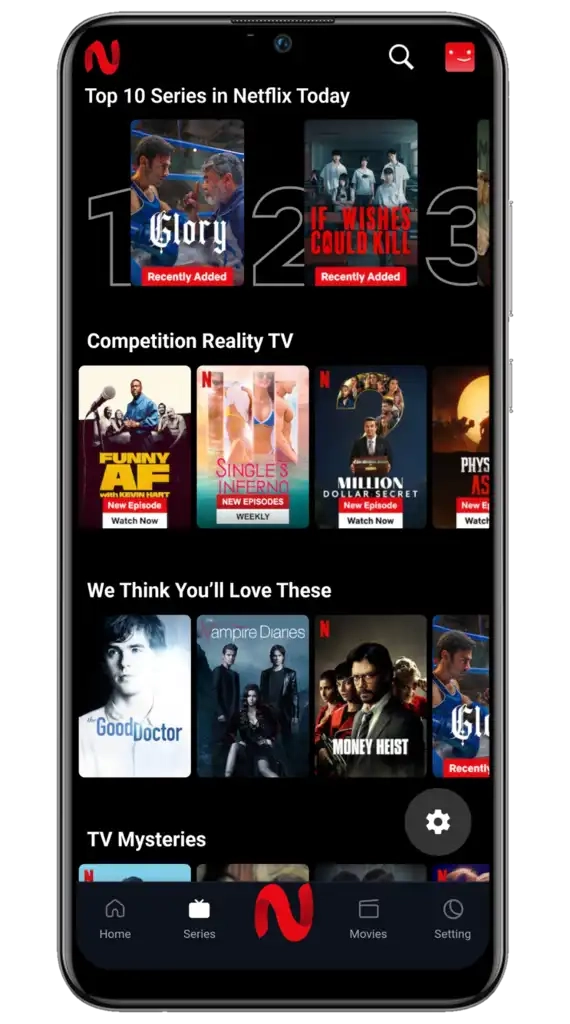
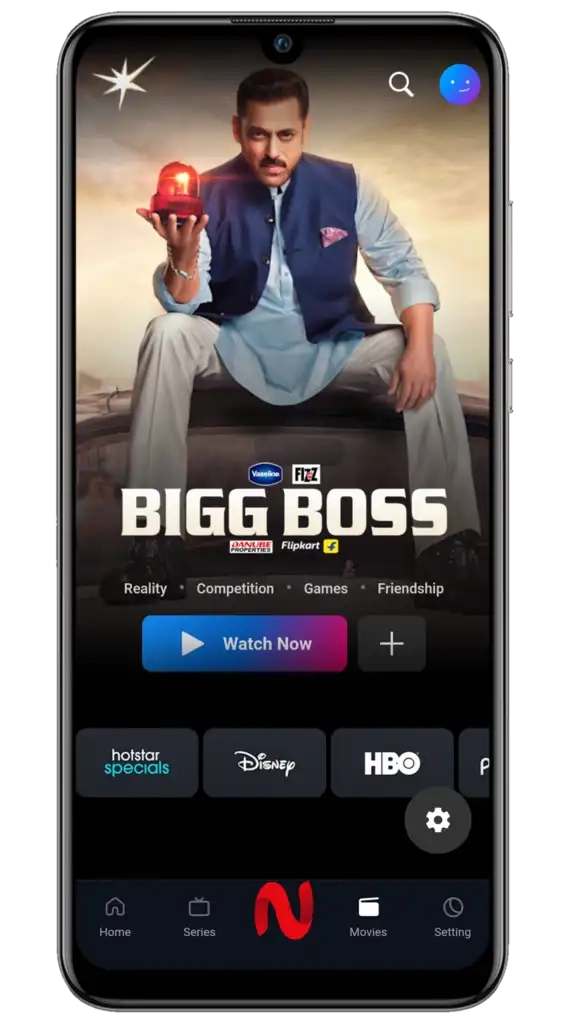
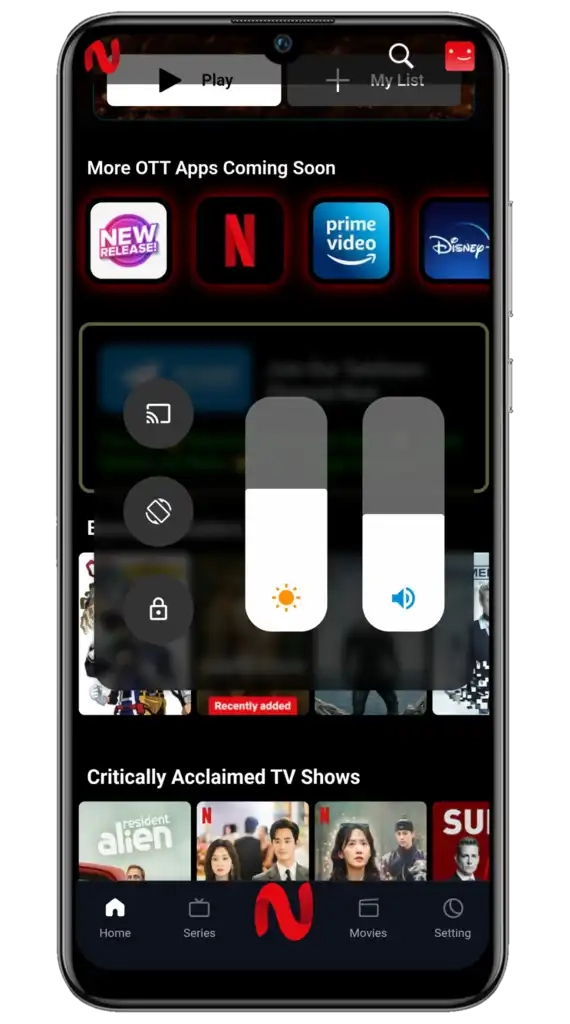
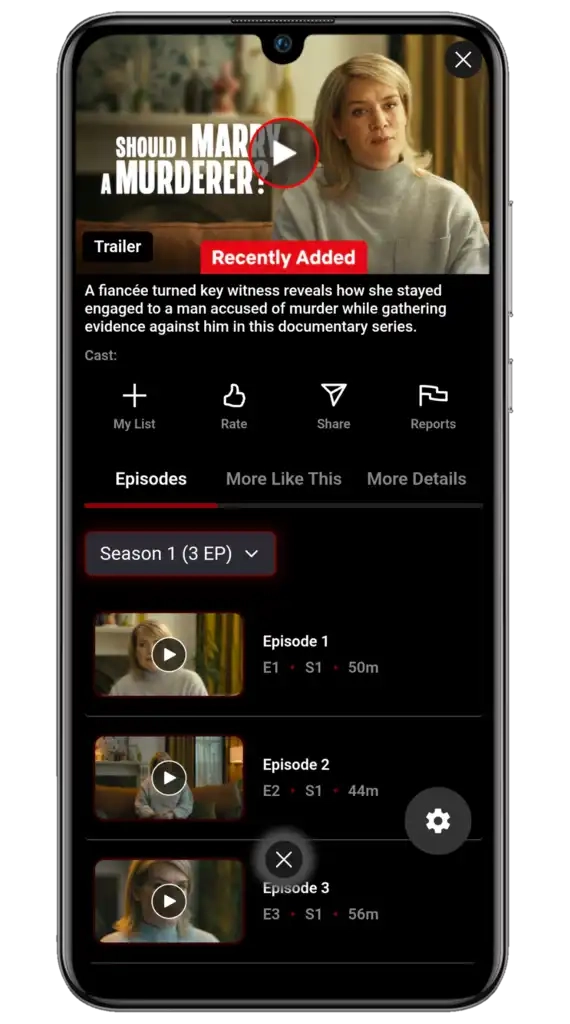
NetMirror
NetMirror turns any screen into your personal cinema. Picture this: a fresh movie night, zero subscription bills, and thousands of titles one tap away. That simple promise is why so many viewers keep coming back to this app. Free entertainment feels rare these days, and this one delivers it without fuss.
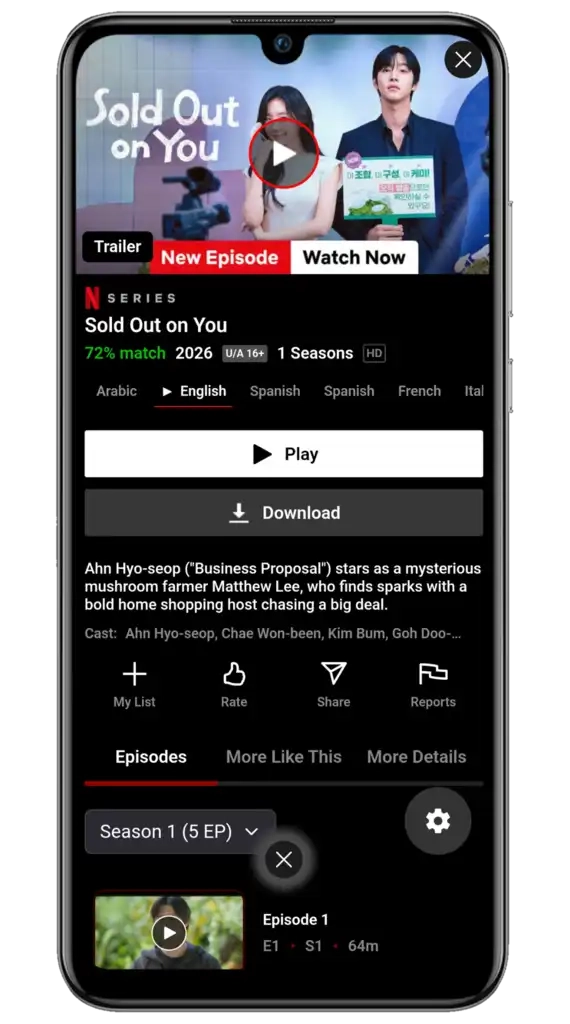
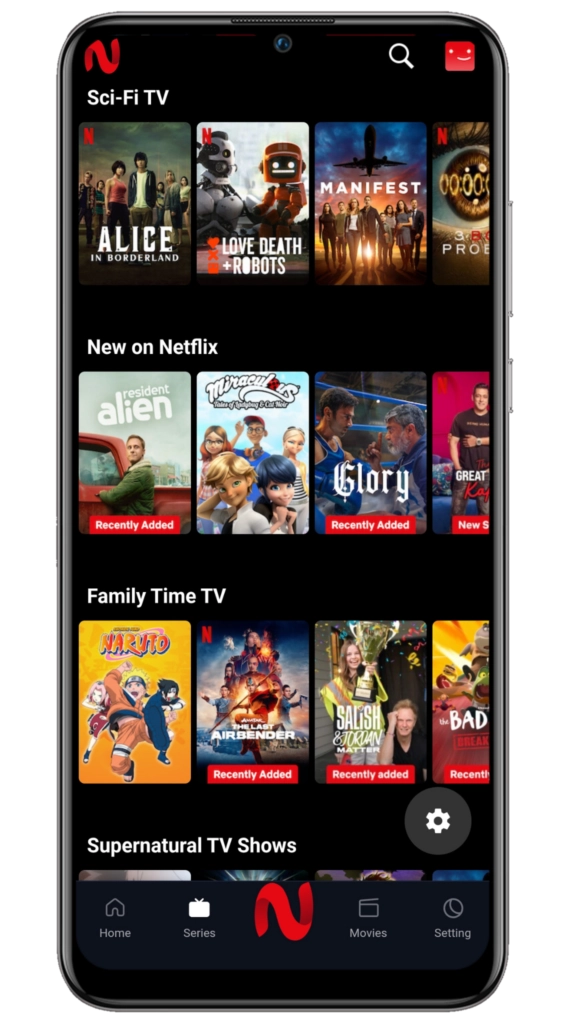
Open the app, and a clean home page greets you. Search for a movie, pick a series, and press play. NetMirror also lets you cast to a smart TV, so the whole family can watch together. Floating playback keeps your video running while you reply to messages. The layout stays simple, and beginners learn it within minutes.
However, smart habits still matter. Download the APK only from trusted sources, and keep your internet connection steady. Check the content rules in your country before you stream. Update NetMirror often for better stability. A careful viewer enjoys smoother shows and fewer surprises.
What is NetMirror APK?
The APK is a ready-made installation file for Android phones. Download it from a website, and NetMirror APK installs without the Play Store. The file packs the full streaming app, with its library, player, and casting tools. It stays small, so most phones handle it easily. New versions arrive as fresh APK files.
Fake files circulate online, so choose your source with care. Scan every download before you open it. Grant only the permissions the app truly needs. Avoid modded versions, because they may hide malware or steal logins. Keep your phone safe by installing NetMirror updates from trusted pages only.
Why Is NetMirror So Popular?
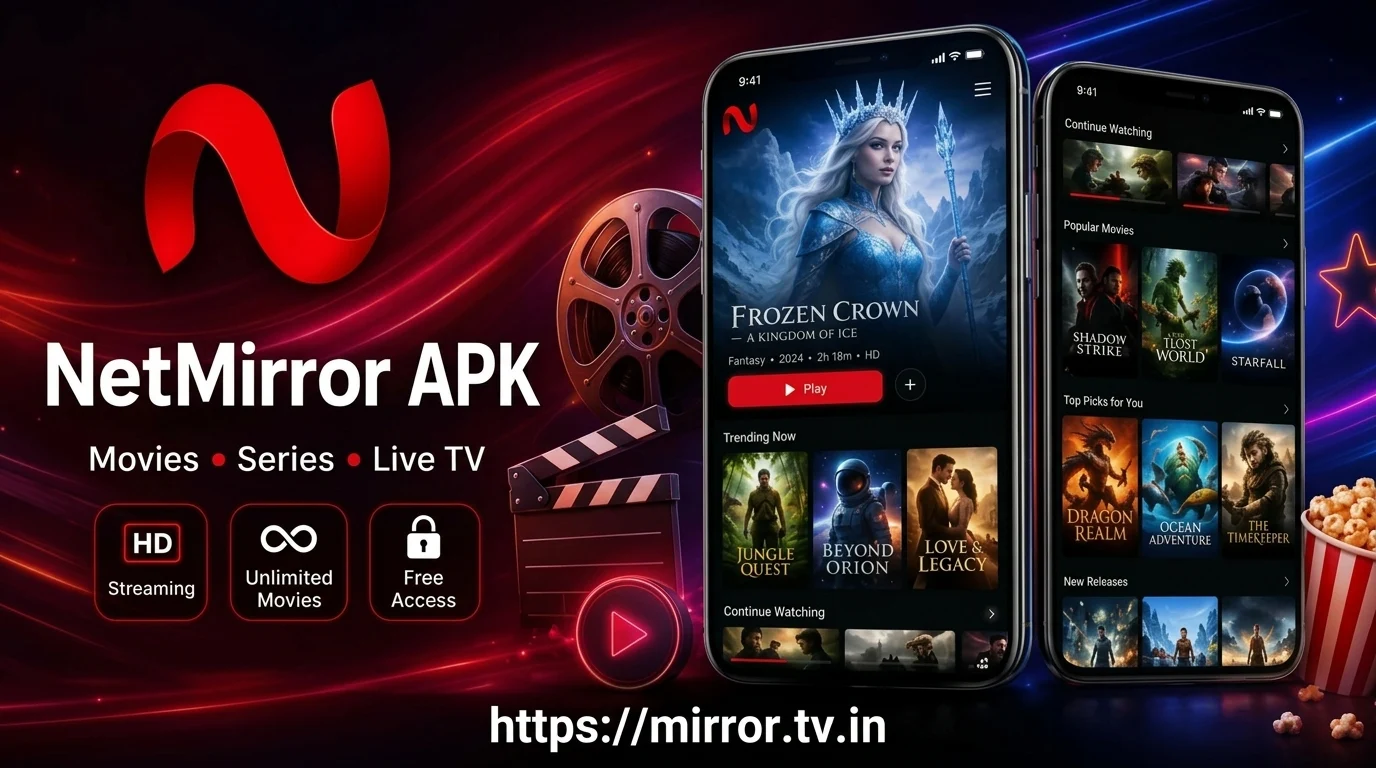
NetMirror wins people over with its price first. Viewers watch movies and series without paying a monthly fee, and that saves real money. The app also keeps its library fresh, so new releases show up quickly. It runs on phones, tablets, and smart TVs, which lets families pick any screen they like.
Simplicity seals the deal. Menus stay clean, and search results load fast. Beginners learn the layout in minutes, and no complicated signup slows them down. Friends recommend favorite titles, social media pages share tips, and curiosity pushes newcomers to try it. Word spreads quickly, and new users join NetMirror every day.
Key Features of NetMirror
HD Ultra Streaming
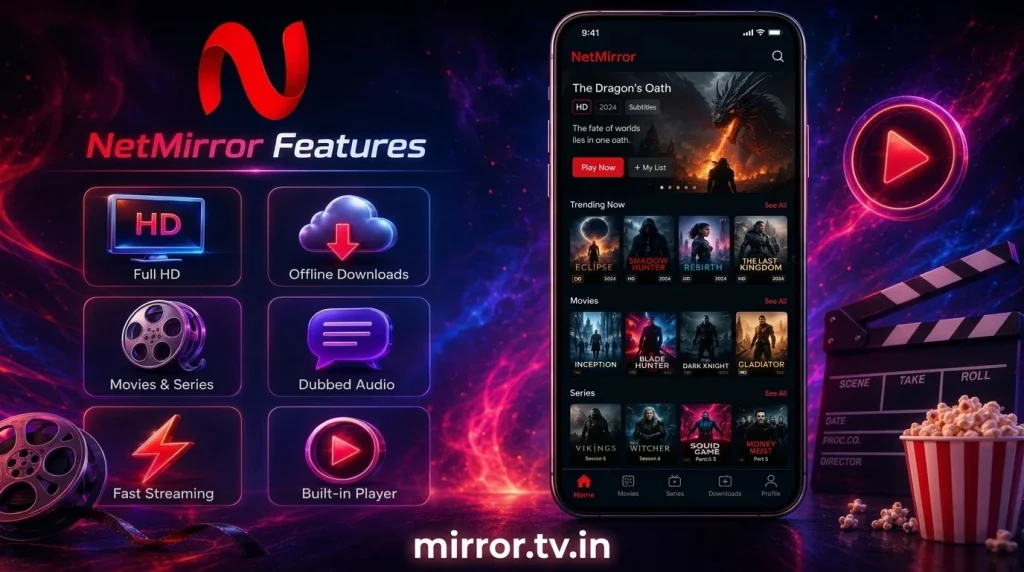
Sharp pictures make every scene feel closer. Net Mirror APK streams movies and series in crisp HD, with colors that pop even on small screens. The player adjusts quality to your connection, so playback stays smooth. Pick a higher setting on Wi-Fi, and enjoy cinema-style detail from your couch.
Vast Content Library
Thousands of titles wait in one place. Action, comedy, romance, horror, and family favorites all sit inside Netmirror Download. Hollywood hits sit beside regional dramas and animated shows. With NetMirror, new seasons land quickly, so nothing feels stale. Browse by genre or year, and find tonight’s pick in seconds.
Multi-Device Support
Watch on any screen. Running smoothly, Net Mirror New APK Download works on phones, tablets, laptops, and Android TVs. Start an episode on your commute, then finish it on the couch. Layouts adjust to every display, so buttons stay easy to reach. Switching gadgets feels natural and quick. Pick any device and press play.
User-Friendly Interface
Nothing feels confusing the moment you open the app. Net Mirror TV APK places search, categories, and settings exactly where fingers expect them. Large posters make browsing quick, and menus stay short. Even first-time users find a title within seconds. Clear icons guide every tap, and NetMirror leaves no room for guesswork.
Fast Offline Downloads
Save episodes at home, then watch them anywhere. Tap the download icon, pick a quality, and the file lands on your phone in minutes. Netmirror New Version speeds up each transfer, so long queues never build. Planes, trains, and weak signal areas stop being a problem. Your favorite shows travel with you.
Smart Search Filters
Finding the right title takes seconds here. Narrow results by genre, year, language, and rating with NetMirror Install APK Android. Type a few letters, and suggestions pop up instantly. Skip endless scrolling and jump straight to what fits your mood. Every filter stays one tap away, and your recent searches stay saved by NetMirror.
Ad-Free Experience
Net Mirror Download keeps interruptions away from your screen. No banners cover the poster, and no pop-ups break a tense scene. Press play and the story runs from start to finish. Binge a full season without reaching for the skip button. Calm, clean viewing makes every movie night feel better.
Subtitles & Audio
Language should never block a good story. Popular titles come with subtitles in many languages and multiple audio tracks on Net Mirror. Change text size, color, and position to match your comfort. Switch tracks mid-scene without losing your place. With NetMirror, foreign films feel as easy as local ones, and every word stays clear.
Auto Mirror Links
Servers go down sometimes, and that ruins movie night. A backup link takes over fast, Net Mirror APK Download finds the fastest available source for every title you open. Playback continues without a manual refresh. Switching happens quietly in the background, so you never hunt for a working address.
Zero-Buffering Proxy
Spinning wheels ruin a good scene. NetMirror APK Download routes each stream through a fast proxy, so video loads before you lose patience. The player preloads upcoming seconds and keeps playback steady. Even on a crowded network, scenes flow without freezing. Your evening stays smooth, and NetMirror turns lag into a distant memory.
One-Tap TV Cast
NetMirror APK Download iOS sends your video to the big screen with a single tap. Tap the cast icon, pick your television, and the show appears at once. Your phone becomes a simple remote. Adjust volume, pause, or skip from the couch. Family movie nights start faster, and setup never feels like a chore.
Lightweight App Performance
Small size, big results. Net Mirror APK for iOS takes up very little storage, so older phones run it without a stutter. The app opens in a blink and rarely crashes. Background tasks stay minimal, which saves battery and memory. Even budget devices handle long viewing sessions well, and NetMirror stays quick after every update.
No Account Required
Skip long forms and email codes. Open the app, and NetMirror APK Download for Android Phone lets you start watching right away. No password, no profile setup, and no waiting for verification. Your personal details stay with you. Pick a title, press play, and enjoy a fast, private start every single time.
Daily Server Updates
Fresh servers go live every day. New links appear and dead ones disappear on NetMirror ios apk latest version without any action from you. Slow sources get replaced quickly, so streams stay reliable. Open the app tomorrow, and the library feels brand new. Smooth access is the goal, and with NetMirror, that goal stays within reach.
Built-in Media Player
No extra player app is needed here. Press play and the video starts inside the app. Swipe to adjust volume, brightness, and seeking. Speed settings suit every viewer. Subtitles load automatically, and NetMirror Install APK Android Download remembers where you stopped. Pause tonight, continue tomorrow, and skip the searching.
How To Download NetMirror?
Downloading the app takes only a few minutes. Start by checking your phone’s storage, since the file needs some free space. Next, open your browser and search for a trusted download page. Avoid random links, because they can carry harmful files. Many users find NetMirror APK Download Android easy to install, even on older phones. Tap the download button and wait for the APK to finish. Your phone may ask for permission to install apps from outside the Play Store. Allow it, and the setup continues smoothly. Finally, keep your internet steady until the process ends.
Installation Guide
- Open Settings and go to Security.
- Turn on “Install from unknown sources” for your browser.
- Visit a trusted download page.
- Tap the download button.
- Wait for the APK file to finish downloading.
- Open the file from your Downloads folder.
- Tap Install and wait a few seconds.
- Launch the app and allow the permissions it requests.
- Create a profile and start streaming.
How to Use NetMirror?
Using the app is simple, even if you are new to streaming. The layout is clean, and every option sits where you expect it. Netmirror App Download works on phones, tablets, and smart TVs, so you can pick your favorite screen. First, make sure your internet connection is steady. A weak signal causes buffering and spoils the fun. Next, update the app to enjoy the latest fixes. Follow the steps below, and you will watch your first title in minutes. With NetMirror, the learning curve stays short and friendly.
Open NetMirror
Find the app icon on your home screen and tap it once. The first screen may take a few seconds to load, so stay patient. When NetMirror Official APK opens, you will see:
- A home page with trending titles
- A menu bar for movies, series, and more
- A profile icon in the top corner
Pick your profile if the app asks. After that, the full library is ready to explore.
Search for Your Favorite Content
Use the search bar at the top of the screen. Type a movie, show, or actor name, and results appear as you type. NetMirror.apk also lets you filter by genre, year, or language. Try these quick tips:
- Check your spelling if nothing shows up
- Use short terms for better results
- Browse categories when you feel undecided
Select and Play Content
Tap any poster to open its details page. Read the short summary, check the rating, and see the available seasons. Then press the play button. Netmirr starts the video within seconds. For series, pick an episode from the list. Helpful options on this page include:
- Download button for offline viewing
- Cast icon for your smart TV
- Add to watchlist for later
Adjust Playback Settings
Tap the screen while a video plays to reveal the controls. Change the quality to match your internet speed. Turn on subtitles or switch the audio language. Net Mirror 2.5 APK remembers your choices for the next episode. You can also:
- Swipe to adjust volume and brightness
- Change playback speed
- Skip forward or back with a double tap
Pros And Cons
Pros
- Free streaming: Most movies and series play without a paid subscription.
- Vast content library: Action, comedy, romance, horror, and regional titles sit in one place.
- User-friendly interface: Search, categories, and settings are easy to find, even for beginners.
- HD streaming: Videos play in crisp quality and adjust to your internet speed.
- Multi-device support: It runs on phones, tablets, laptops, and Android TVs.
- One-tap TV cast: You can send any video to a smart TV in seconds.
- Fast offline downloads: Save episodes at home and watch them without a signal.
- Smart search filters: Narrow results by genre, year, language, and rating.
- Subtitles and audio tracks: Many languages are available, and you can switch them mid-scene.
- Daily server updates: New links replace dead ones, so streams stay reliable.
Cons
- Not on official stores: Users must install the APK manually, which adds extra steps.
- Security risks: Fake download links can carry malware or steal login details.
- Legal concerns: Some titles may not be licensed in every country.
- Server downtime: Some sources may fail without notice, even with backup links.
- Needs stable internet: Weak connections cause buffering and lower video quality.
- Inconsistent availability: Certain titles may disappear or load slowly at times.
NetMirror Alternatives
MovieBox
Offline viewing is where this app shines. Download a film at home, then watch it on the bus without using data. The catalog covers Hollywood, Bollywood, and Asian dramas. Subtitles come in many languages, and playback stays smooth. For travelers who find Netmirror APK Latest too dependent on Wi-Fi, this alternative fits well.
Dooflix
Live channels and on-demand movies share one app here. Browse Hollywood blockbusters, Indian dramas, and kids’ shows from a tidy home screen. Multiple servers keep streams steady, and subtitles load quickly. Anyone who wants a wider catalog than Netmirror New APK Download offers should try this alternative on their phone.
Pikashow
Live TV, sports, and movies stream together in this app. Cricket fans get match coverage without extra fees, and the interface stays simple for beginners. Downloads run smoothly, and quality options suit every connection. Compared with Netmirror APK Download 2026, it gives viewers more live action, making it a strong second choice.
Castle
Fresh releases land here almost as soon as they premiere. The app sorts movies and series into neat rows, so browsing takes seconds. Streams load fast, and HD options stay available. If Netmirror Mod APK leaves you waiting for new titles, this alternative keeps your watchlist full and your evenings busy.
Cinema HD
Picture quality is the big draw here. Streams run in full HD, and buffering stays low. Real-Debrid and Trakt support add extra power for regular viewers. The menu feels tidy, so finding a film takes seconds. Even Netmirror Download in Android APK users may switch after seeing how sharp the visuals look.
| Feature | NetMirror | MovieBox | Dooflix | Pikashow | Castle | Cinema HD |
| Free Streaming | ✅ | ✅ | ✅ | ✅ | ✅ | ✅ |
| Vast Content Library | ✅ | ✅ | ✅ | ❌ | ❌ | ❌ |
| User-Friendly Interface | ✅ | ❌ | ✅ | ✅ | ✅ | ✅ |
| One-Tap TV Cast | ✅ | ❌ | ❌ | ✅ | ❌ | ✅ |
| Offline Downloads | ✅ | ✅ | ❌ | ✅ | ❌ | ❌ |
| Subtitles & Audio Tracks | ✅ | ✅ | ✅ | ❌ | ✅ | ❌ |
| Daily Server Updates | ✅ | ❌ | ❌ | ❌ | ✅ | ❌ |
| No Account Required | ✅ | ❌ | ✅ | ✅ | ❌ | ❌ |
Conclusion
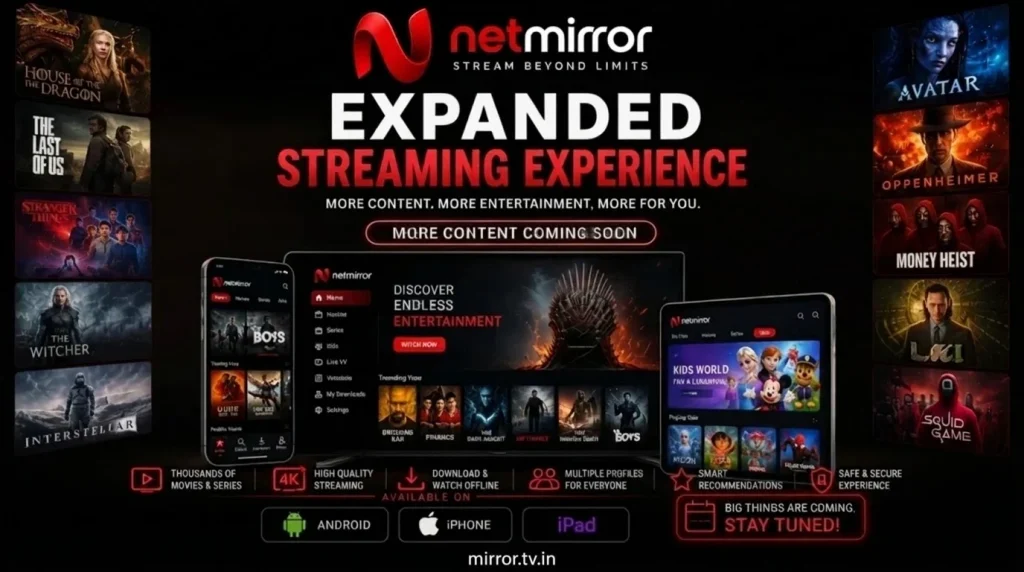
NetMirror makes streaming simple for anyone with a phone, tablet, or smart TV. It brings a vast library, crisp HD playback, and handy tools like one-tap casting and offline downloads. The clean layout helps beginners start watching in seconds. Daily server updates keep streams steady, and smart search filters save time.
Still, the app lives outside official stores, so download the APK only from trusted pages. Check the content rules in your country before you stream. Keep your internet connection stable for the best quality. Weigh the pros and cons, compare a few alternatives, and pick what fits your needs. NetMirror stays easy to enjoy when you follow these steps.